Blog / coding agents
Coding Agent Open Source Options Compared for 2026
OpenCode, OpenHands, Aider, Cline, Goose, Codex CLI, Pi and Autopilot compared on interface, autonomy, sandboxing and model choice.
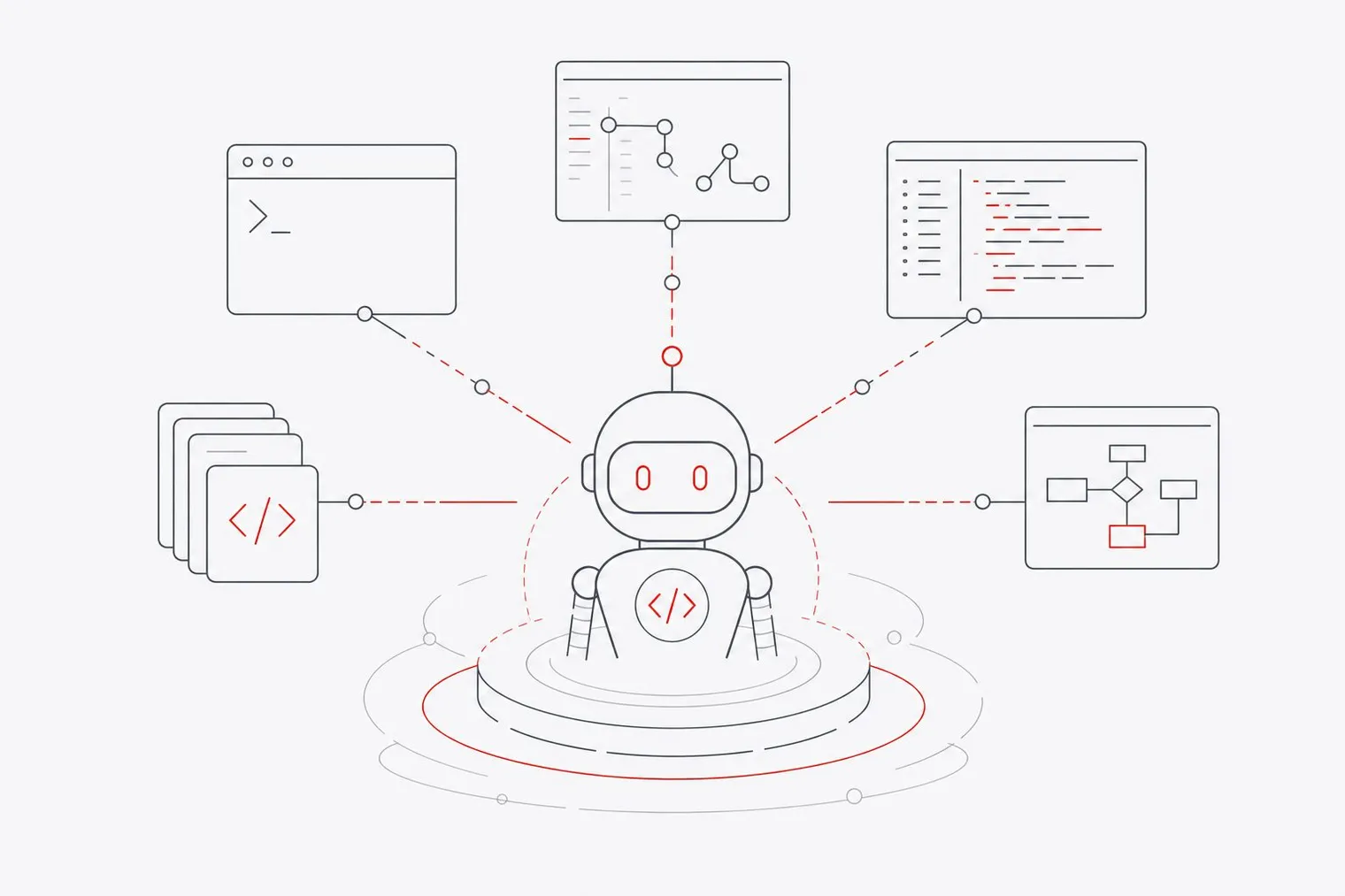
The main open-source coding agents right now are OpenCode, OpenHands, Aider, Cline, Goose, Codex CLI, Pi and Autopilot. Each targets a different workflow: terminal users, IDE users, git-focused developers and teams that want everything on their own hardware.
Open-source coding agents have matured fast, and the tooling around local models, sandboxing and autonomous task execution has caught up with commercial offerings. The right choice depends less on raw capability and more on interface preference and how much autonomy you want the agent to have over your codebase.
How Open-Source Coding Agents Compare at a Glance
The table below covers the key differences across interface, autonomy model, sandboxing, and local model support so you can shortlist before reading the individual sections.
| Tool | Interface | Autonomy model | Sandboxing | BYOK / local models |
|---|---|---|---|---|
| OpenCode | Terminal | Plan and build modes | No built-in sandbox | Yes, incl. Ollama |
| OpenHands | Web UI / CLI, local or hosted | Fully autonomous | Docker sandbox | Yes |
| Aider | Terminal | Pair programmer | No built-in sandbox | Yes |
| Cline | VS Code extension | Plan-then-act with approval gates | No built-in sandbox | Yes |
| Goose | Desktop / CLI | Autonomous, extensible via MCP | No built-in sandbox | Yes |
| Codex CLI | Terminal (TUI) | Approval policies, from ask-first to unattended | OS-level sandbox (Seatbelt, bubblewrap, Windows) | OpenAI by default; local models supported |
| Pi | Terminal | Minimal harness | None, by design | Yes |
| Autopilot (Directionally Local) | Terminal (CLI/SDK) | Plan, edit and auto modes; parallel subagents | Subagents in Hotcell microVMs or containers on your hardware | Yes: 25+ providers, including OpenRouter and local Ollama |
OpenCode, Aider, and Cline: Terminal and IDE Options
For developers who live in the terminal or VS Code, these three agents cover the main interface preferences without forcing a workflow change.
OpenCode is a terminal-native coding agent with read-only planning and full-access build modes that supports 75+ model providers. It supports local models through providers like Ollama, so with a local model you can run it entirely offline.
Aider functions as a git-native pair programmer that automatically commits every change with a message. That tight git integration makes it a natural fit if your workflow centers on clean commit history and code review. It has no GUI and requires comfort with terminal commands, so it is not the right pick if your team prefers a visual interface. It focuses on pair programming rather than multi-step autonomous hand-offs, which keeps it predictable but less suited to long-running tasks.
Cline runs as a VS Code extension on a plan-then-act loop, asking for explicit permission before every file edit or command. That transparency can feel slow when you want the agent to move quickly, but it gives you a clear audit trail for every change. Cline has strong support for Model Context Protocol (MCP) servers, which extends what it can connect to. If your team already works in VS Code and values visibility over speed, Cline fits that preference well.
All three support local models, so none of them require sending code to an external API if you run one.
OpenHands, Goose, and Codex CLI: Autonomous and Provider-Flexible Agents
These three agents lean further toward end-to-end task execution, handling longer sequences with less hand-holding.
OpenHands runs autonomous tasks end-to-end inside a Docker sandbox, either on your own machine or through its hosted cloud. It can take a GitHub issue and work through it without step-by-step guidance. The trade-off is token consumption, since long unsupervised runs re-read files across many steps, and a heavier setup than a single CLI because it depends on Docker.
Goose runs on your machine as a desktop app or CLI. It can automate non-coding work through MCP extensions, which makes it useful beyond pure software tasks, and its provider flexibility means you can swap models without changing your workflow.
Codex CLI is OpenAI's official open-source terminal agent for local repository inspection, editing, and task execution. It has a built-in terminal UI and an OS-level sandbox that is on by default, with network access off and writes limited to your workspace. It is built around OpenAI's models through a ChatGPT plan or API key, and it can also run open models locally. For a deeper look at how Codex CLI compares to other agents in this space, see Autopilot vs Claude Code, Codex, OpenCode, Cursor and Pi.
Pi and Directionally Local: Minimal and Self-Hosted Options
At opposite ends of the footprint spectrum, Pi and Directionally Local serve teams with very specific control requirements.
Pi is a minimal, extensible coding agent harness with support for various model providers and TypeScript extensions. It was built as a lightweight alternative to more feature-heavy agents, and that philosophy shows: by design, it does not sandbox tool calls or ask before executing them. That makes it fast and easy to extend, but it means you take on responsibility for what it runs. If you want a thin, hackable base to build your own agent workflow on top of, Pi is worth examining.
Directionally Local builds a self-hosted stack for teams that want infrastructure control. Autopilot is a terminal coding agent and SDK that runs on your own key with 25+ providers, including OpenRouter, Anthropic, OpenAI and local Ollama, with plan, edit and auto modes. Hotcell runs sandboxes on your own hardware as Docker containers, Firecracker microVMs or Apple Virtualization microVMs; Autopilot's read-only subagents run there in parallel (on OpenRouter), and a key-swapping gateway gives each sandbox a short-lived token so real API keys stay on the host.
What sets it apart is credential isolation on hardware you control, whether that's a laptop, a Mac Mini or a cloud VM. Pair it with a locally hosted model and your code doesn't leave your machines either. Autopilot (MIT) and single-host Hotcell (Apache-2.0) are free and open source. An enterprise tier called Directionally Local for Teams is available on an annual license under early access, with pricing not publicly listed. For context on the broader investment moving into local-first AI infrastructure, see big money is moving into local-first AI.
Among the other agents here, Codex CLI sandboxes its own commands with the operating system and OpenHands uses a Docker sandbox, while Pi, Aider and OpenCode leave isolation to you. Hotcell's approach differs by keeping real credentials out of the sandbox entirely, not just limiting files and network.
How Do Open-Source Coding Agents Perform on SWE-bench?
SWE-bench Verified has become the standard benchmark for coding agents, measuring how well an agent resolves real GitHub issues. Scores depend heavily on the model behind the agent, so the same open-source harness can rank very differently with different models. Check a current leaderboard such as Awesome Agents' with the model you actually plan to use.
For context on how widely AI coding tools have spread: the Stack Overflow 2025 Developer Survey found that 84% of developers use or plan to use AI tools in their workflows. Only 31% are currently using AI agents specifically, which suggests most developers are still in the early stages of adopting the more autonomous tools this article covers.
On the proprietary side, tools like Claude Code, Cursor and GitHub Copilot are the usual reference points. Raw benchmark scores don't capture the security model, token cost or infrastructure control that often matter more in a team setting.
How to Choose the Right Open-Source Coding Agent for Your Workflow
The best agent depends on five practical questions. Work through them in order.
Interface. Do you prefer a terminal, VS Code, or a desktop app? Aider and OpenCode suit the terminal; Cline fits VS Code; Goose covers desktop and CLI.
Autonomy level. Do you want step-by-step approval or end-to-end execution? Cline gates every action; OpenHands runs unsupervised; Aider stays in pair-programming mode.
Sandboxing and security. Codex CLI sandboxes commands with the operating system, OpenHands uses Docker, and Hotcell isolates subagents in containers or microVMs on your hardware while keeping real API keys out of them. Pi, Aider, OpenCode, Cline and Goose don't sandbox by default, so run them somewhere disposable if the agent can execute commands.
BYOK and local models. All of these agents can work with your own API keys, and most support local models via Ollama or similar. If avoiding external API calls matters, test the agent with the local model you plan to use, since tool-calling quality varies a lot between models.
Licensing and extensibility. All tools in this comparison are open source, most under MIT or Apache-2.0. Pi is explicitly designed for extension via TypeScript; OpenCode and Goose offer broad provider flexibility. If you need to embed an agent in your own tooling, check the specific license terms before committing.
FAQs
Which open-source coding agent has the highest GitHub star count in 2026?
Star counts shift quickly. OpenCode, OpenHands, Cline, Aider and Codex CLI all have large GitHub followings. Check each repository directly for current figures.
Can I run these open-source coding agents with local models like Ollama?
Most of them support local models. OpenCode, Aider, Cline, Goose, and Pi all work with local model providers including Ollama. Autopilot supports Ollama and LM Studio as providers, plus any OpenAI-compatible endpoint you host. Codex CLI is built around OpenAI's models but can also run open models locally.
What is the difference between MIT and Apache licensing for coding agents?
Both are permissive open-source licenses that let you use, modify, and distribute the code. Apache adds an explicit patent grant, which matters if you are embedding an agent in a commercial product and want protection from patent claims. MIT is simpler and shorter. The practical difference is small for most individual developers, but legal teams at larger organizations often prefer the explicit patent language in Apache. Check each project's repository for its current license before building on it commercially.
Are there open-source alternatives to GitHub Copilot that work inside VS Code?
Yes. Cline is a VS Code extension that provides plan-then-act coding assistance with explicit approval gates for every change. It supports local models and MCP servers, giving it broader connectivity than a standard autocomplete tool. OpenCode can also be invoked from a terminal alongside VS Code. GitHub Copilot remains a proprietary product; these open-source options give you more control over which model runs and where your code goes.
Conclusion
Open-source coding agents in 2026 cover the full range from lightweight terminal pair programmers to fully autonomous agents that resolve GitHub issues without supervision. Benchmark scores are only one part of the decision. Interface fit, autonomy level, and where your code actually runs matter just as much.
Start by deciding whether you need local execution with true credential isolation or whether cloud sandboxing is acceptable for your use case. From there, match the interface to your team's existing workflow, check local model support if avoiding external APIs is a requirement, and review the license terms before embedding any agent in a commercial product.